STAFF QR

QR attendance & safety for any venue

QR attendance & safety for any venue

Schools, campuses, offices, factories, hotels, and parks — check people in with secure one-time QR codes, see them on a live map, and raise alarms the moment help is needed. Built for real-world presence, not just a spreadsheet of clock-ins.

Access by unique code

How it works in 30 seconds

  1. Open the live demo — no password or PIN required
  2. Tap any name (teachers, students, staff)
  3. A single-use QR appears — phone scan checks them in
  4. Admin map + emergency alarms stay live in the background

Demo venue: quantheo (school · 10 teachers · 100 students · staff)

Open read-only admin demo

What StaffQR actually is

StaffQR is a multi-tenant system for presence, attendance, and safety. Each organization gets its own private space: admin console, people portal, parent view (for schools), live map, and emergency alarms. There is no shared public feed — your people and locations stay inside your tenant.

Secure check-in, not a static badge

QR codes are generated on demand, single-use, and short-lived. A PIN gate protects the portal. Optional geofence alerts flag scans that happen far from the venue. This is attendance that is hard to forge and easy to audit.

Live presence on a map

Admins see who is on site and where. The venue center is pinned with your org slug. You can locate a person and open the fastest route when seconds matter — evacuation, medical, or a missing child.

Two-way emergency path

Anyone on site can press EMERGENCY on their phone. Admin gets a non-stop alarm with GPS until they acknowledge. Admins can also broadcast lockdown, fire, weather, or medical alerts to every on-site device.

One system, many venue types

The same core works for schools (with parent PIN view), universities, offices, factories, hotels, and public venues like parks. You choose the organization type at signup; features adapt to the context.

Built for real places

StaffQR is designed around how people actually move through buildings and grounds — not around a single industry template. Here is how the same product shows up in three common settings.

Schools & campuses

Morning arrival, classroom transitions, after-school activities, and bus lines all become visible. Teachers and staff check in with one-time QR codes. Administrators see who is on campus and can trigger lockdown or evacuation alerts that reach every on-site phone.

Parents unlock a limited view with a 4-digit PIN: only their children, gate status, and an optional “arrived safely at home” confirmation. No full student roster is exposed.

  • Attendance without shared static codes
  • Parent portal with PIN isolation
  • Emergency broadcast + personal emergency button
  • Live map for locating staff and students on site
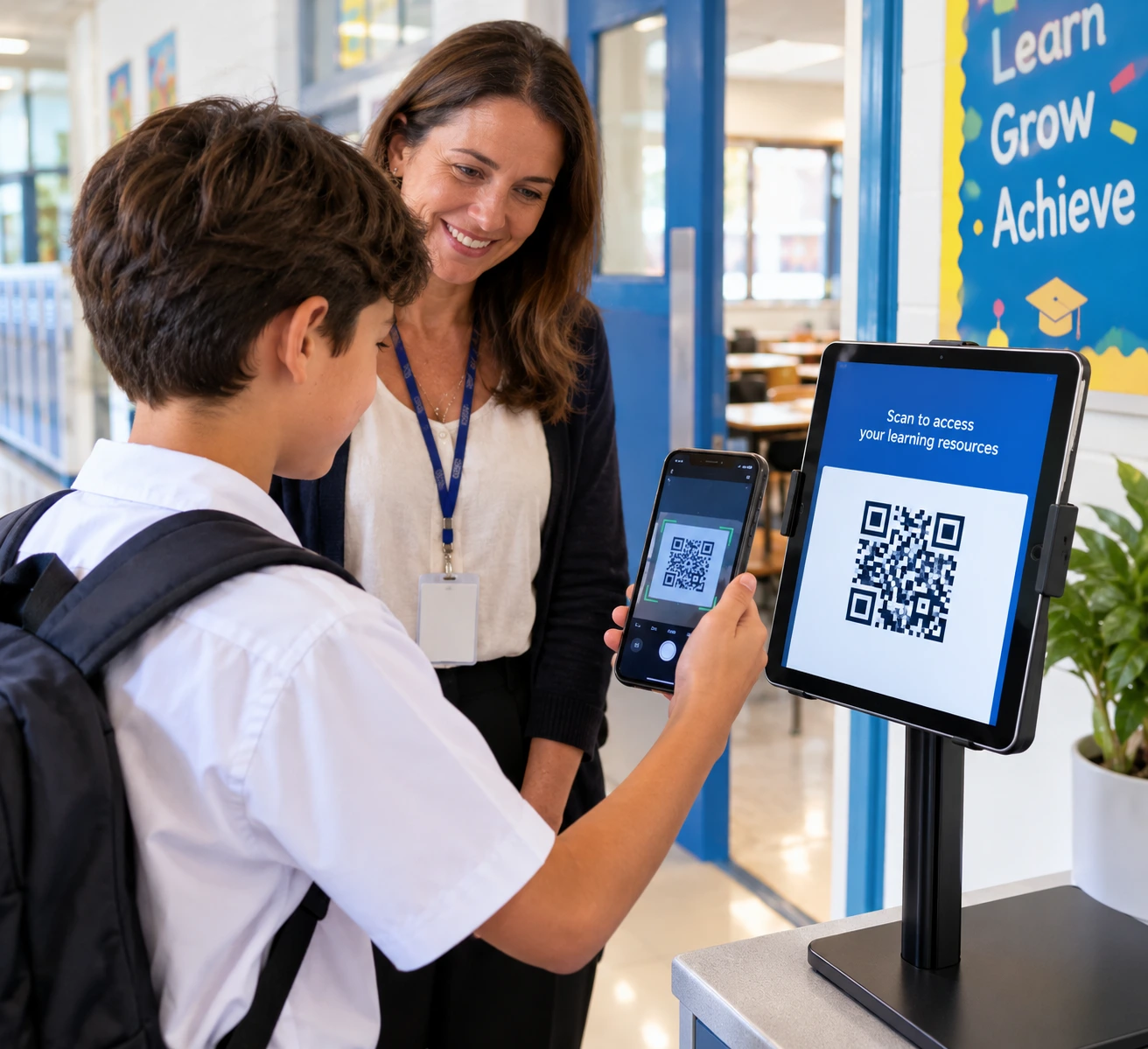
Student and teacher scanning a QR code on a tablet in a school hallway

Offices, factories & hotels

Reception desks, security posts, and site entrances become controlled check-in points. Staff or visitors scan a one-time QR; the system records presence and can enforce geofence rules so off-site scans stand out.

Security and facility teams get a live board of who is inside the building. When someone presses emergency, the admin console raises a continuous alarm with location until the incident is acknowledged — useful for medical events, security incidents, or fire drills that must not be ignored.

  • Visitor and staff check-in with short-lived QR
  • Geofence alerts for out-of-bounds scans
  • Admin broadcast: evacuation, fire, medical, weather
  • Presence board for capacity and safety accountability
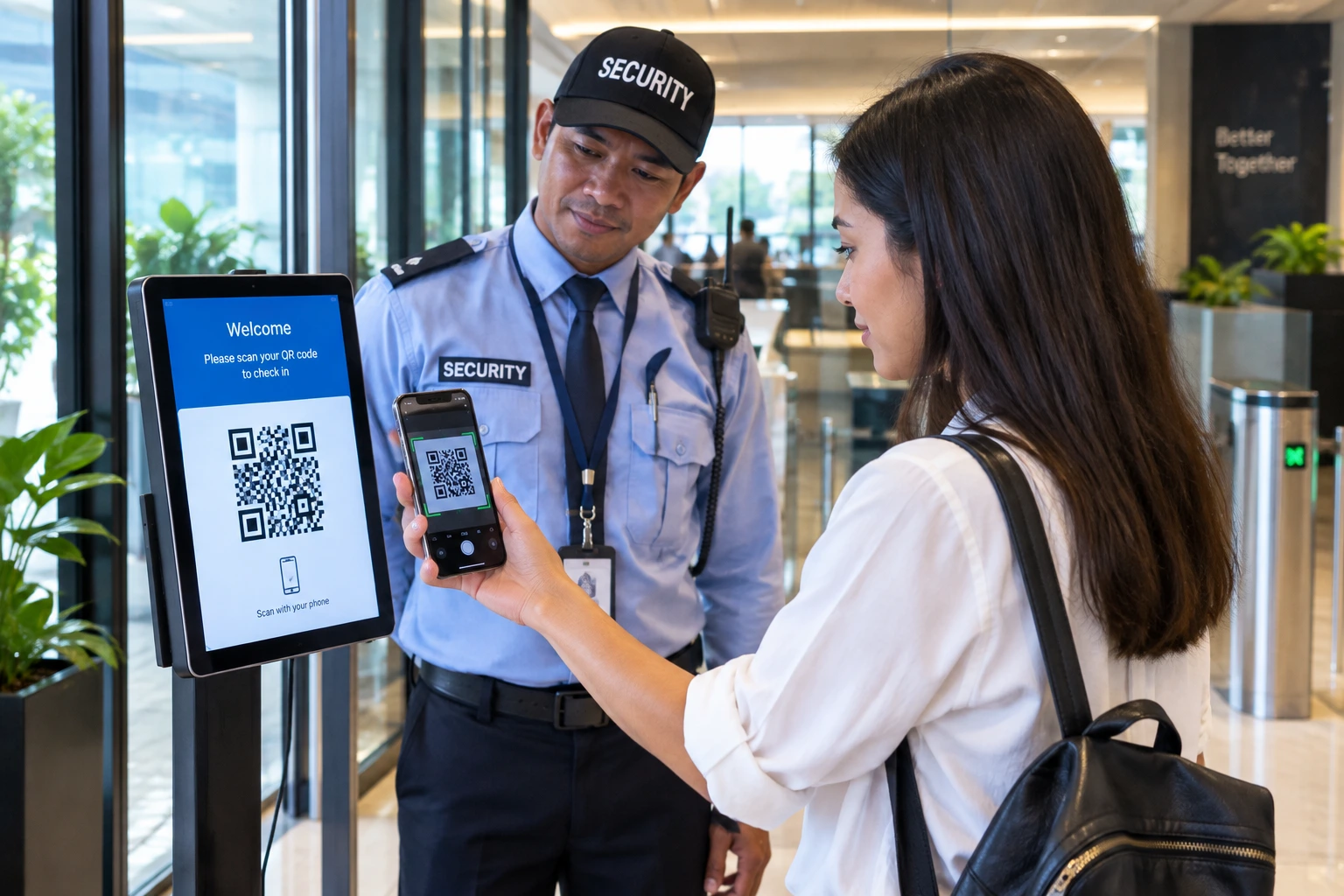
Woman scanning a QR code on her phone at an office entrance while a security officer looks on

Parks, events & public venues

Large outdoor or mixed indoor-outdoor sites need the same core ideas: know who is present, make it easy to check in without handing out paper lists, and reach people quickly when something goes wrong.

Staff and volunteers can check in via QR at fixed kiosks or mobile portals. Admins see presence on a map anchored to the venue. Emergency and broadcast tools work the same way as on a campus — so a missing-person response or weather alert does not depend on radios alone.

  • Kiosk or phone-based QR check-in
  • Live map of people across a large site
  • Same emergency and broadcast path as schools and businesses
  • Suitable for seasonal staff and volunteer teams
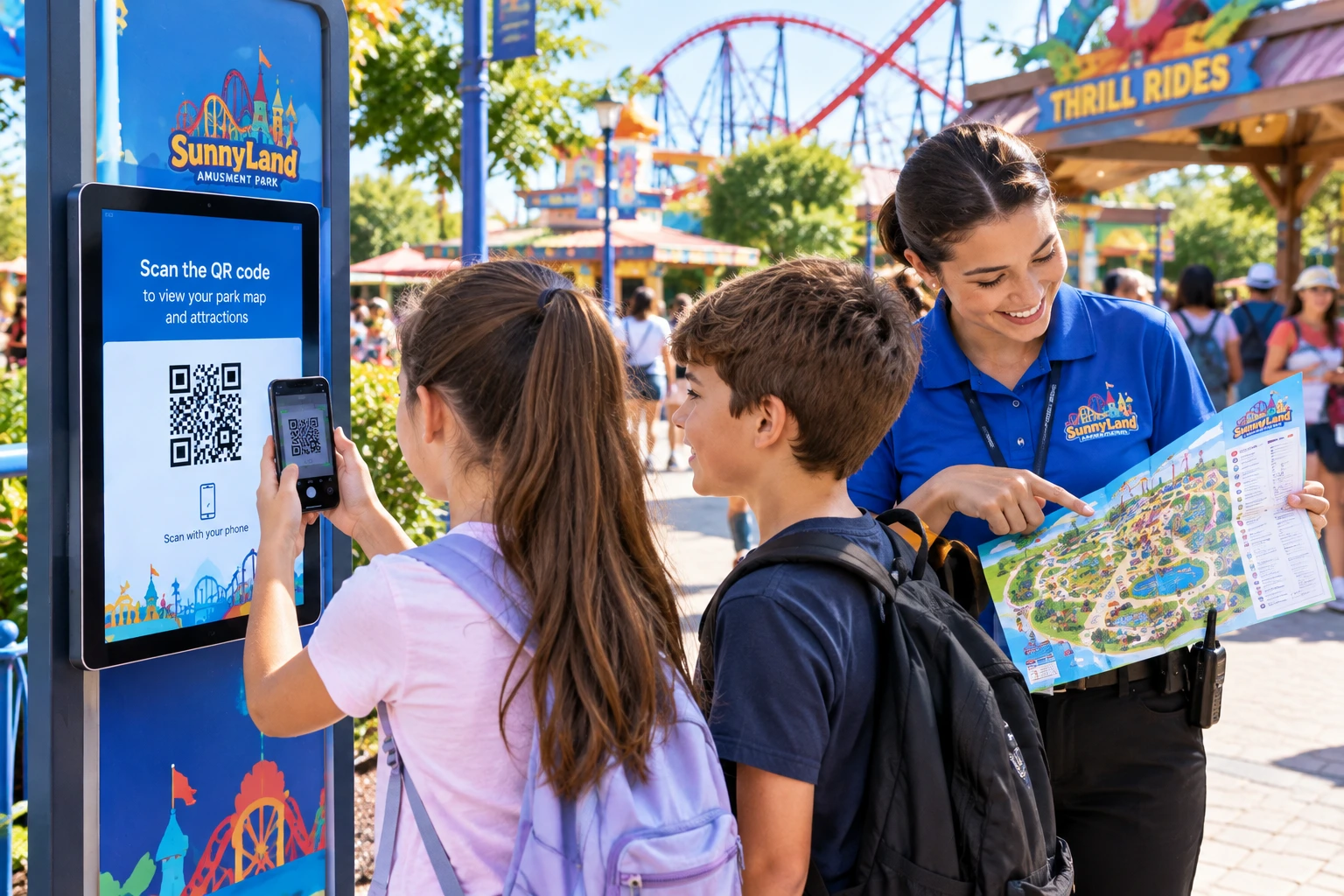
Children scanning a QR code at an amusement park kiosk while a staff member shows a park map

From signup to first check-in

You do not need to install an app on every phone. StaffQR runs in the browser. Admins manage people and settings; staff and parents use a simple portal with a PIN or a one-time QR.

1

Create your organization

Sign up with organization name, type (school, university, or business), optional URL slug, and an admin email + password. You get a private tenant immediately.

2

Add people

Import or create staff, teachers, students, or visitors. Assign roles and optional PINs. For schools, link children to parent accounts so the parent portal only shows their family.

3

Check in with QR

From the portal, select a person. A single-use, short-TTL QR is shown. Scan it with a phone camera or a fixed scanner. The scan is recorded; the code cannot be reused.

4

Watch the map & alarms

Admins open the live map and presence board. Personal emergency buttons and admin broadcasts surface as full-screen alerts with location until they are cleared.

Emergency from people

Anyone on site can press EMERGENCY on their phone. Admin gets a non-stop alarm with GPS and directions until they acknowledge.

Admin broadcast alarms

Trigger evacuation, lockdown, fire, medical, or weather alerts. Every on-site phone shows a full red threat screen until all-clear.

Live map & venue pin

See people on a large map. Venue center marked with your org slug. Locate anyone and open the fastest route.

Secure QR attendance

PIN gate, single-use QR, short TTL, geofence alerts, presence board — built for schools and businesses.

Parent view

Parents unlock with a 4-digit PIN, see only their children, gate status, and optional “arrived safely at home”.

Multi-tenant by design

Each organization is isolated. Public signup creates a tenant-scoped admin only — never platform-wide privileges.

Security model in plain language

StaffQR is built for environments where a leaked static QR or a shared PIN would be a real problem. The design prioritizes short-lived tokens, rate limits, and clear separation between tenants.

Create your QR attendance system

A unique access code is required. Buy one, then create your venue with full access (admin, portal, map, and more).

Buy unique access code